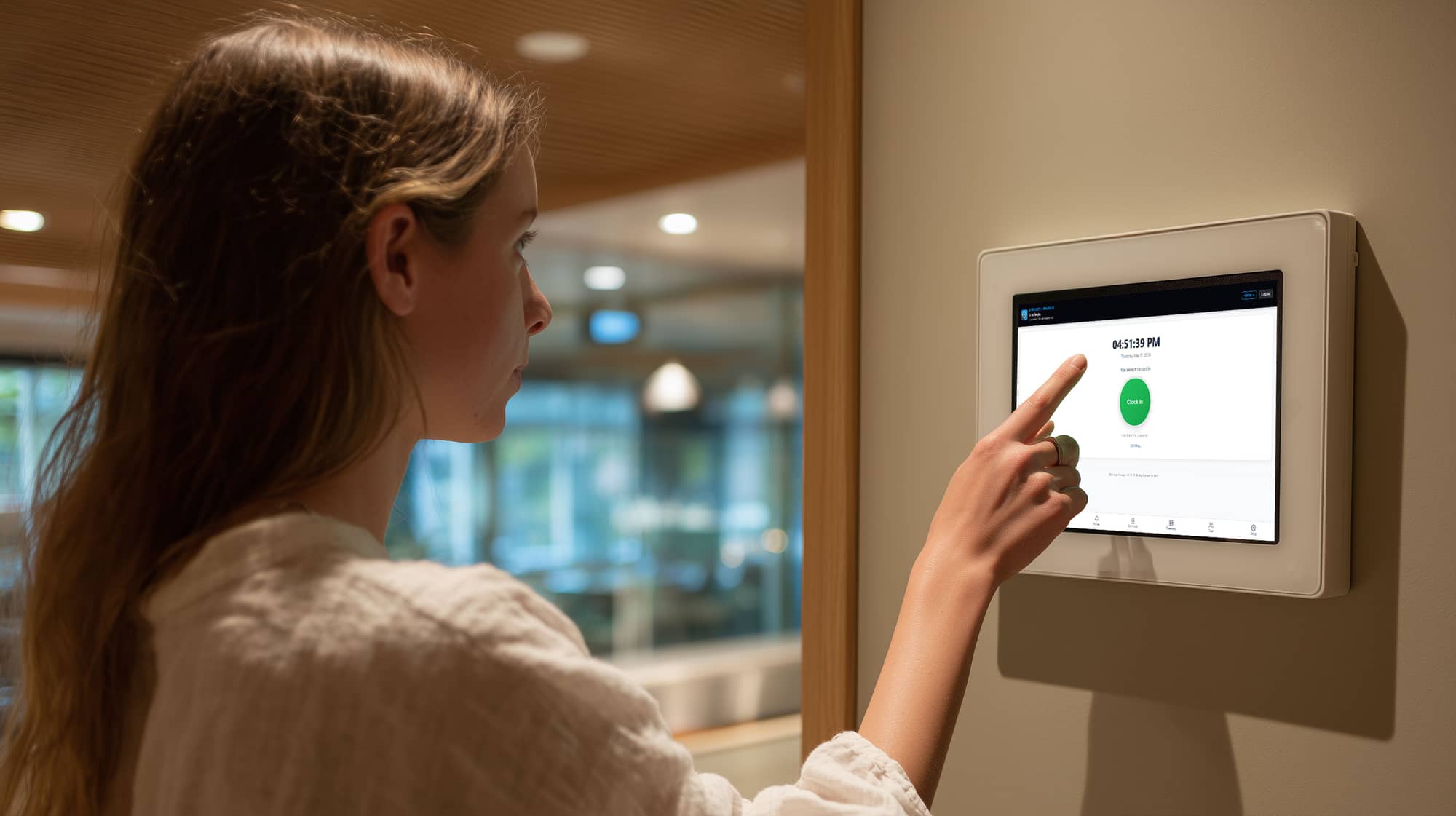
No off-site or buddy punches
Staff hold one button for three seconds to clock in or out, and when you've set a worksite radius the app checks their phone's GPS against it first. No buddy-punching, no clocking in from the parking lot down the street. A shift left open too long flags itself and locks the button until a manager clears it.
A shared wall-tablet clock
Mount one tablet by the door and the whole crew punches there, no phone needed. Each person taps their name, enters a four-digit PIN, and picks what they're working on. The tablet shows who's in, who's on lunch, and who's out at a glance. It holds no pay data and no PINs; every punch is verified on the server, and a lost tablet is shut off with one tap.
Hours that sort themselves
While they're on the clock, staff tap to switch between common-area maintenance, tenant-improvement work for a specific tenant, or lunch. Every switch timestamps a new segment, so by the end of the shift the hours are already split by category and tagged to the right tenant, no after-the-fact guessing. And the categories are yours to define; that split is just the starting set.
See the dollars behind the hours
The labor cost report splits each person's pay across common-area maintenance, each tenant's improvement work, and owner-funded time: automatically, by share of clocked hours for salaried staff and hours times rate for hourly. When it's time to recover common-area costs or bill a tenant for work in their space, the labor side is already broken out in dollars, not just hours.
A notice the crew has to read
Get a message to the whole crew, right where they clock in: a schedule change, a safety reminder, a policy update. See who's seen it and who's acknowledged it, and for the ones that matter most, require an acknowledgment before they can start their shift from their phone. The latest notice shows on every clock screen automatically, on the phone and the shared tablet.
Staff see their own hours
Each person can pull up their own recent shift history: total hours up top, a breakdown by category below, every shift listed with its in and out times. They check their own numbers before payroll closes, so you're not fielding "how many hours did I get?" the day the file goes out.
Manager timecard editing
Correct a forgotten clock-out or reclassify an hour in seconds. Edit clock times, or add, edit, split, and re-tag individual segments, with a reason on every change. The coverage readout warns you when the segments don't add up to the shift.
A full edit history
Every change to a timecard is kept: old value, new value, the reason, who made it, and when, newest first, right on the shift. When a wage question arrives, there's always an answer to "who changed this, and why."
Pay Periods you close with one click
Set your schedule: weekly, biweekly, semi-monthly, or monthly. Review the period's hours, then approve and lock it. Locking makes every timecard read-only across the system and unlocks the payroll export, so nothing can change after the file goes out. Need a fix? Re-open, correct, re-approve. Closing a period can also email you the payroll summary automatically.
A payroll file that's ready to hand off
Close the period and export one CSV: one row per employee per work date, with category, tenant, and paid hours, every hour already classified and tenant-tagged, sorted by employee and then date. On screen, you can review the period grouped person by person with subtotals first. There's nothing to sort by hand; hand it to your processor as-is.
An overtime watch
The overtime watch flags anyone who logged more than forty hours in a week spanning the period you're closing, and downloads as its own list, so a long week never slips past you into the payroll run.
Bring your old timesheets in
Back-fill months of paper or spreadsheet history from a template. Upload the file, match staff by email, and review a full preview with the row counts before anything is written, and undo an entire import in one step if something looks off.