SquareKeeper Restroom Manager
Know when a restroom needs attention.
Customers scan a sign and tap what's wrong. Your team's phones get the alert, and one tap marks it done. Built for any business with a restroom the public uses.
Customers scan a sign and tap what's wrong. Your team's phones get the alert, and one tap marks it done. Built for any business with a restroom the public uses.
A customer scans the sign, your team gets the alert, it gets fixed, and you see how every restroom is doing.
or $149.99 a year
7-day free trial, no credit card to start. You subscribe in the app.
Add your restrooms in the app, starting from names like Men's, Women's and Family, in English and Spanish. Print a sign for each one, letter size or 5 by 7, and post it by the door.
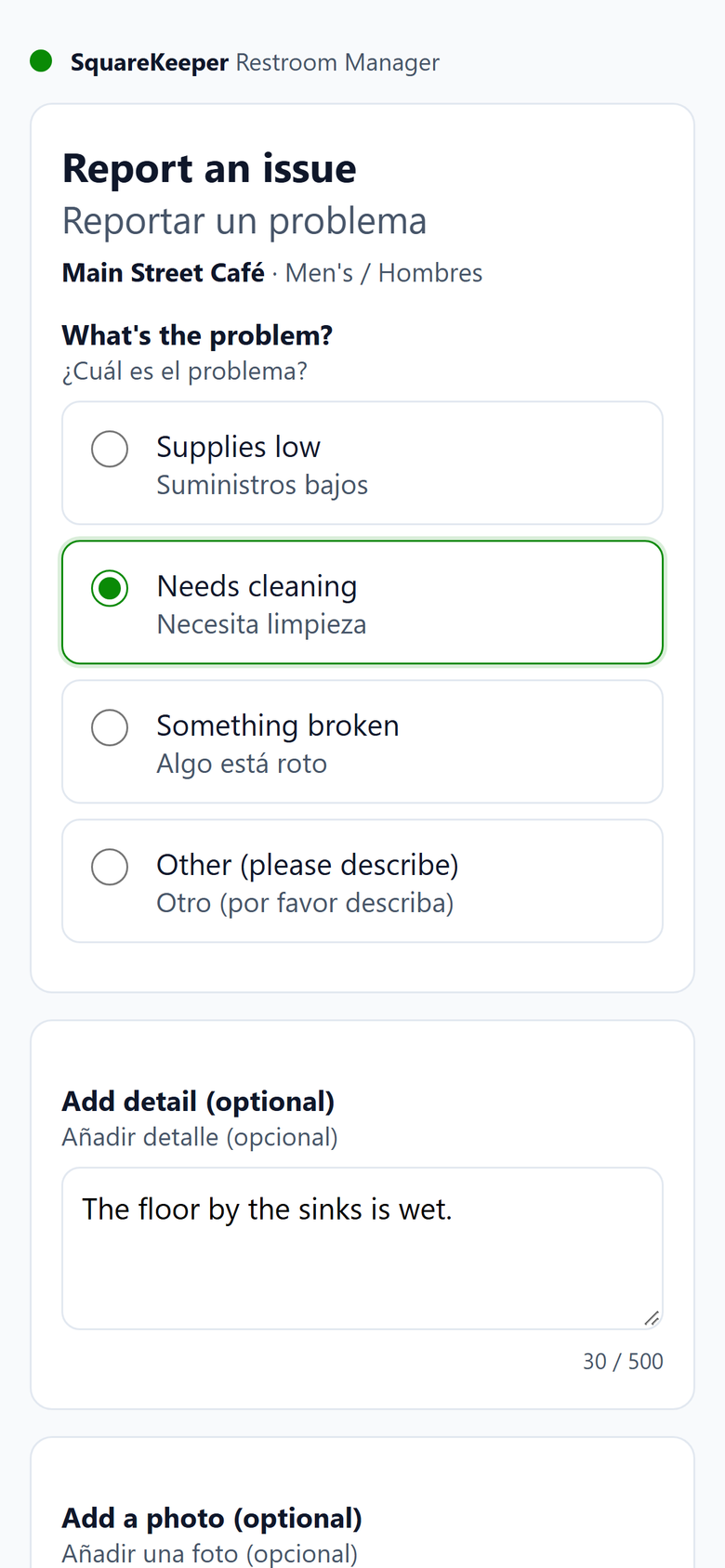
No app and no login. They pick what's wrong, add a note or a photo if they want, and send it. The page reads in English and Spanish, side by side.
The people you choose get an alert on their phones. One tap marks the report completed, even with no signal, with an after photo if they want one.
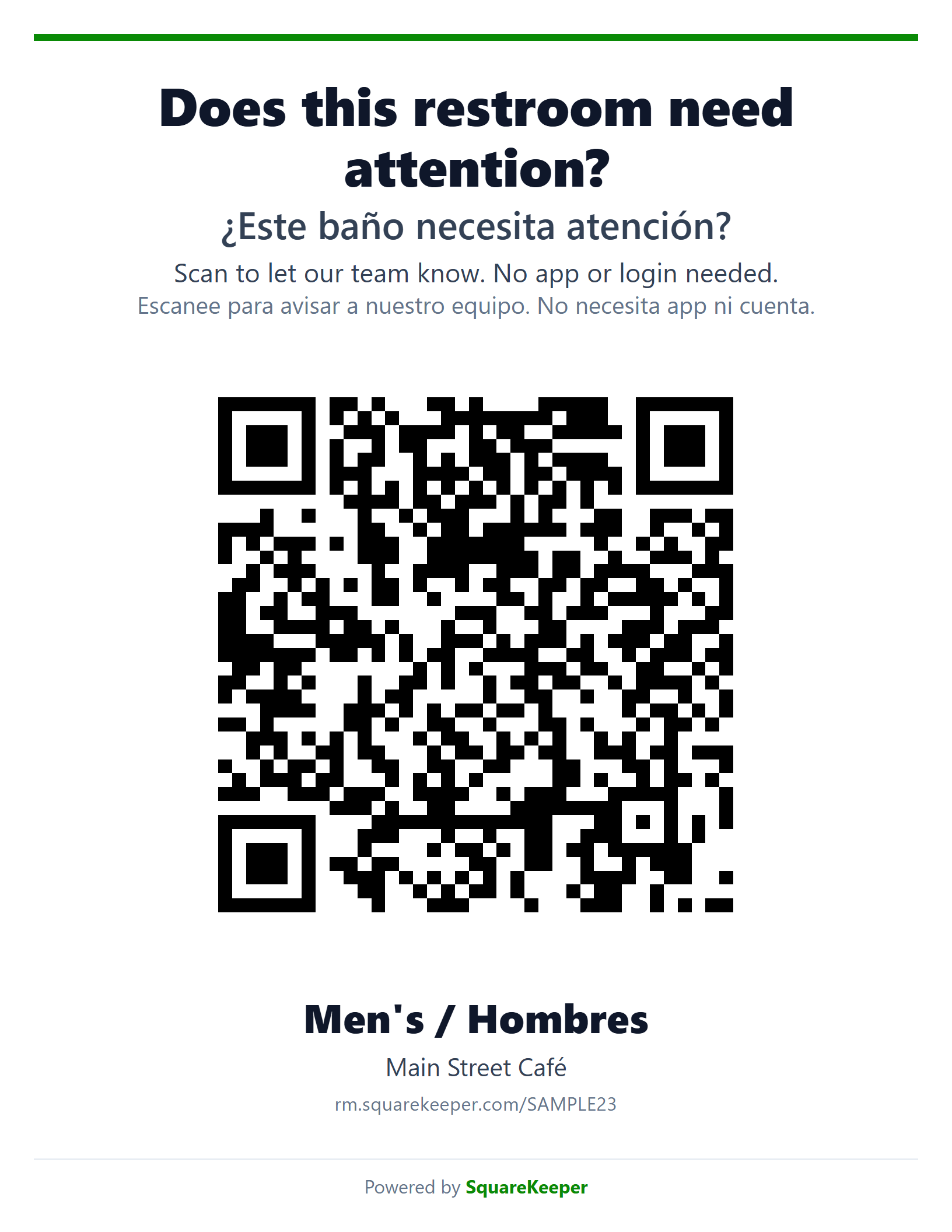
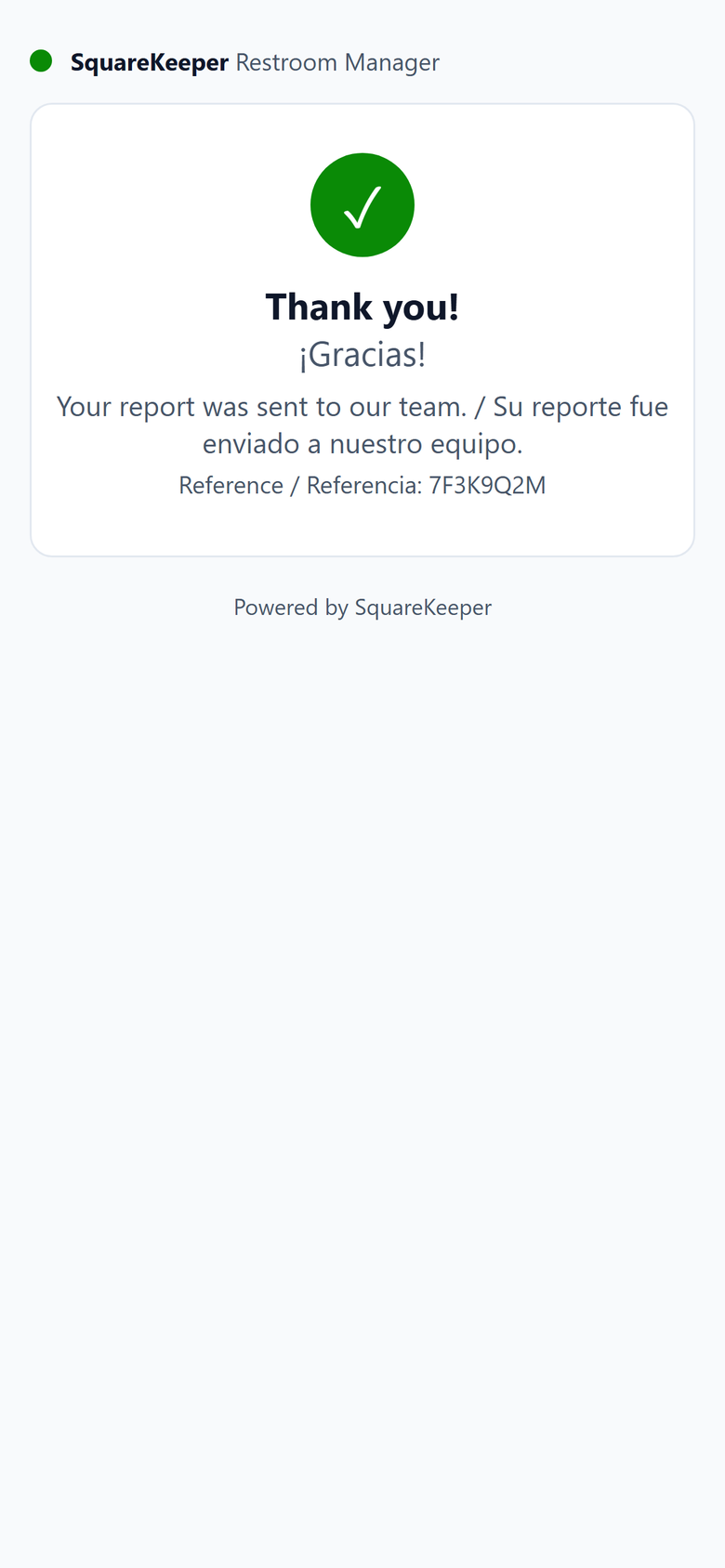
The real sign and the real page, in English and Spanish. Scan the sample sign with your phone to try it: nothing you send reaches anyone.

Coming soon to the App Store
Choose who gets told and when: by day and by hours. Alerts go to your team's phones, and by email to anyone you add. When nobody is scheduled, the alert can come to you. Outside your open hours, only email goes out.
Staff close a report with one tap. With no signal in the back room, it saves on the phone and syncs when the connection comes back. An after photo is optional.
See every report from the last 7 or 30 days, what's open now, reports by restroom, and your typical response time.
Staff join with a six-character code from your app. No email and no password. Remove someone, and their phone stops getting alerts.
Customers are asked not to photograph people, and their photos are deleted after 30 days. Each restroom takes one report every two minutes, up to 60 a day per location, so one person can't flood your team's phones.
Signs and the report page show both languages side by side. The app runs in English or Spanish.
Restaurants and coffee shops, fast food, gas stations and convenience stores, retail stores, gyms and offices. Your customers tell you first, while there's still time to fix it.
No. They scan the sign with their phone's camera and the page opens in the browser. No app, no login, no account.
Yes. Scan the sample sign above, or open rm.squarekeeper.com/SAMPLE23 on your phone. It's the real page, and nothing you send reaches anyone.
After 7 days, the app asks you to subscribe. Your signs keep taking reports for 7 more days. After that, they stop taking reports and say so, until you subscribe.
The page asks customers not to, only your team can see the photos, and customer photos are deleted after 30 days. You can also turn customer photos off.
As many as your location has. One subscription covers one location. For more than one location, talk to us.
Yes, right in the app. Deleting the business removes its restrooms, reports and team. A business with an active subscription can't be deleted: cancel it in the store first. On an iPhone, deleting works once the paid period ends. Staff can leave on their own.
Restroom Manager is on Google Play today. The iPhone app is coming soon to the App Store.